
Let customers see exactly what they're paying for.
A second screen that shows the order line by line, the running total, adverts between customers and a thank-you at the end.
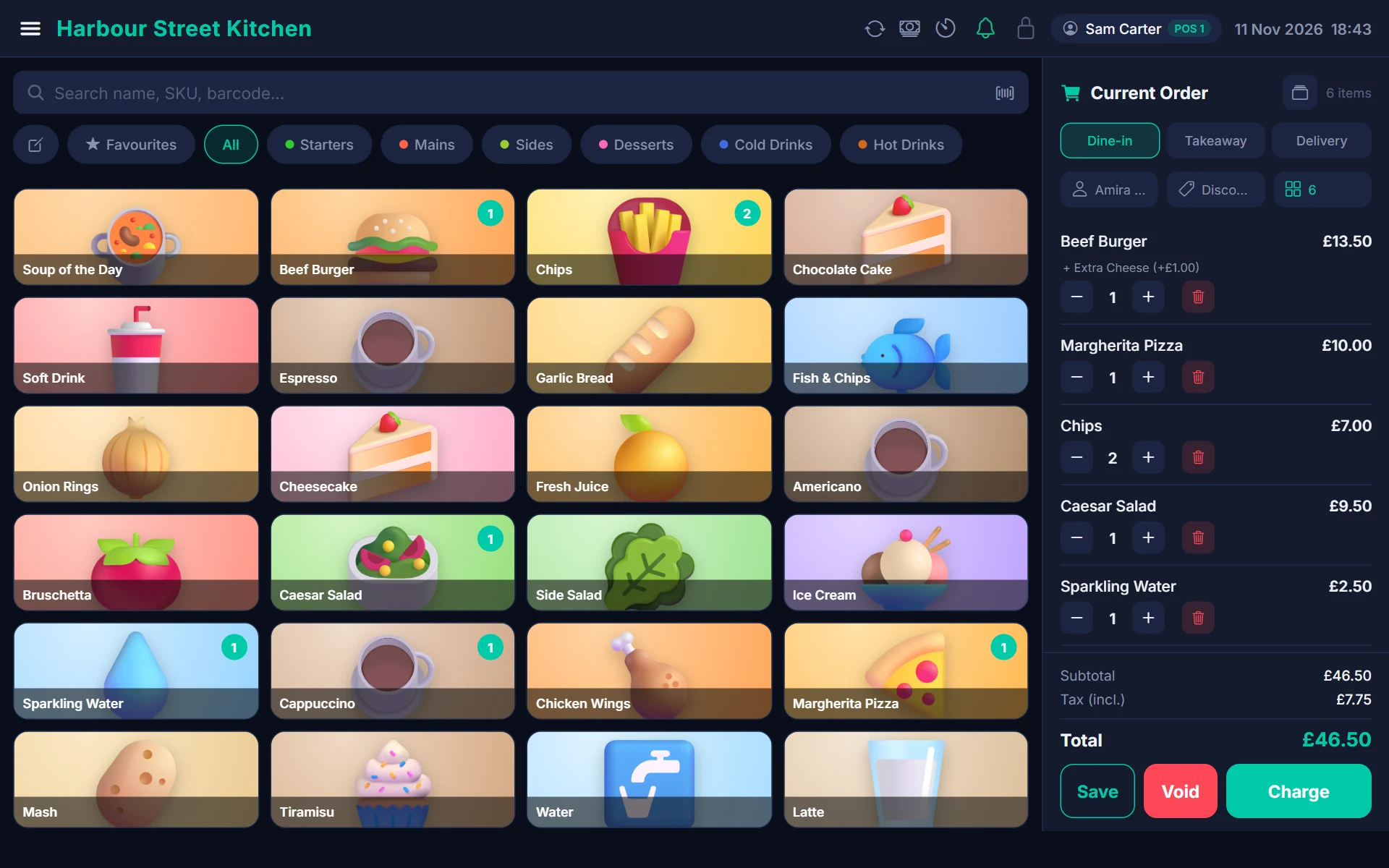
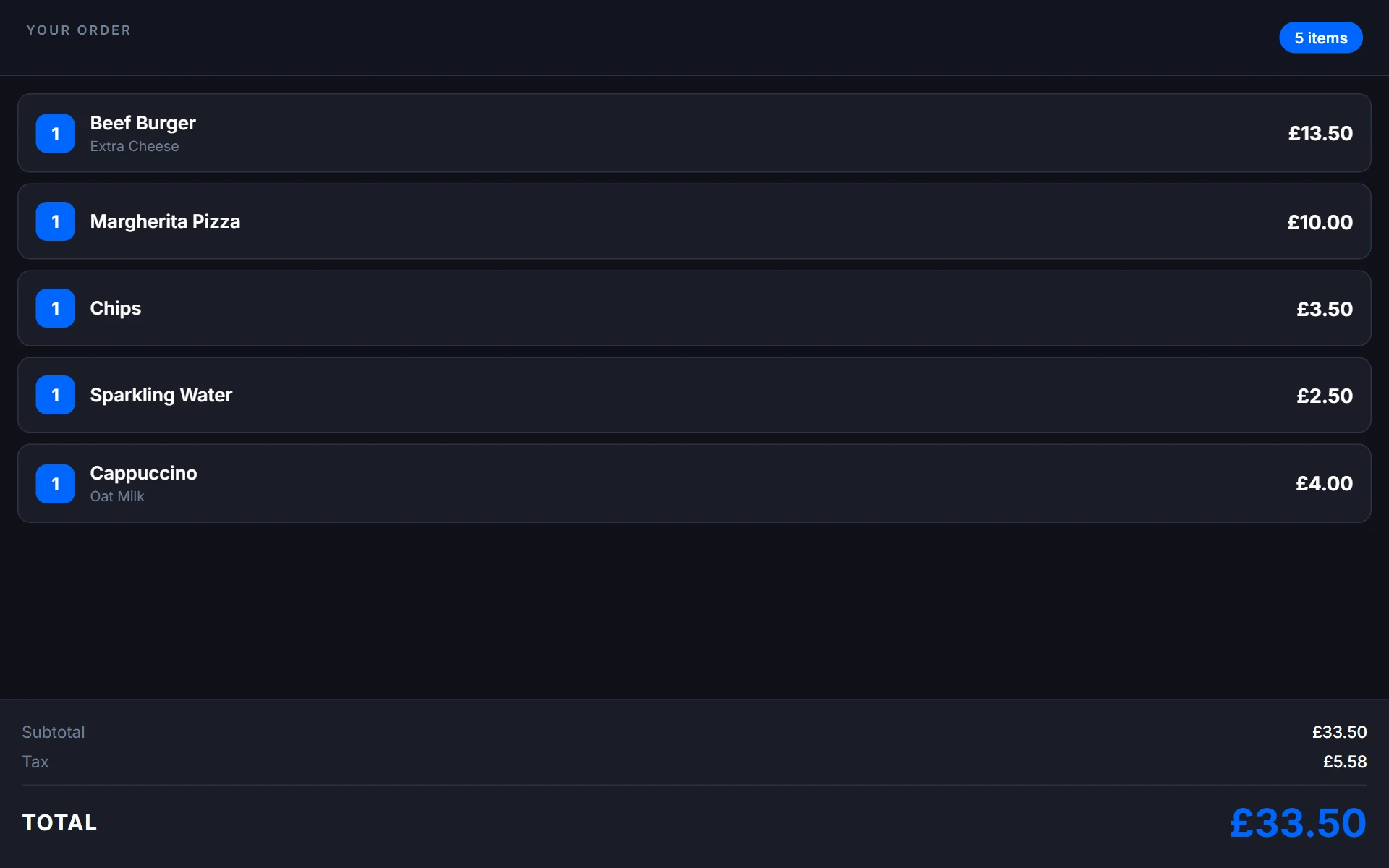
Every item and total in full view
As your team rings up an order the display updates live, so customers can follow along and spot a mistake before they pay.
- Live order lines, modifiers and quantities
- Subtotal, tax and total in large type
- Pairs with your till in a minute with a code or auto-discovery
- Runs on a spare tablet or a built-in second screen
A branded screen that works while you don't
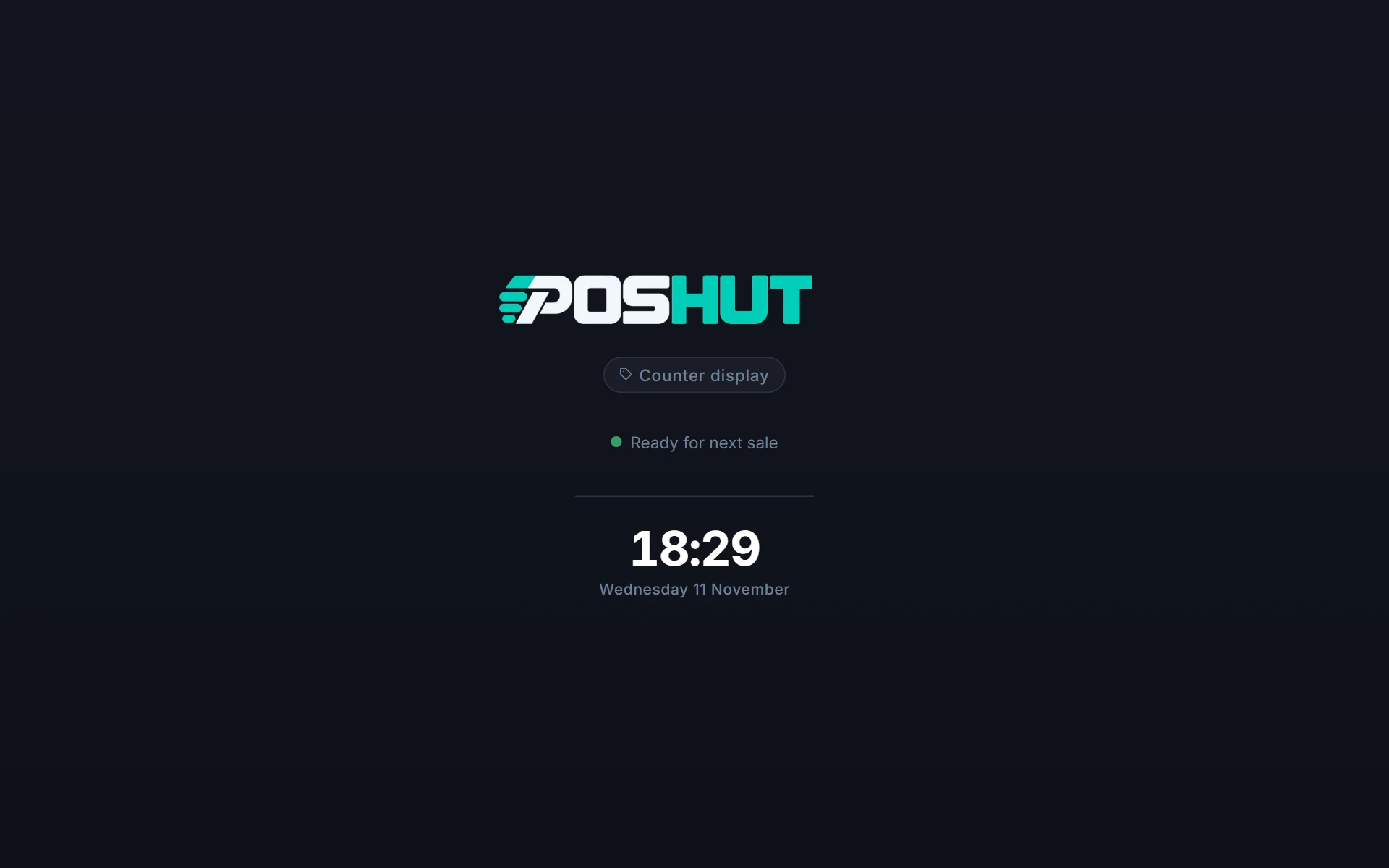
When there's no sale, the display shows your logo and the time, or a playlist of your own pictures and videos for offers and specials.
- Your business name and branding
- Advert playlists of images and video
- Scheduled adverts delivered to every display
- Thank-you screen after payment
- Optional rating and e-receipt prompts
A small screen with a real impact
It costs very little to add, and customers notice it straight away.
Clearer checkout
Customers can check the order as it's rung in — fewer disputes, fewer refunds.
Customers pick their own tip
Tip buttons on the customer screen make adding a tip natural, and the choice flows back to the till.
E-receipts on the screen
Customers type their email address on the display to get a digital receipt instead of paper.
Promote and ask
Show offers and specials, display loyalty points and ask customers to rate their visit.
Works over your network
The local network hub keeps the screen live even with no internet.
Zero extra setup
Same account, same products — nothing separate to manage.
Customer Display questions
Any Android tablet, a dedicated screen from us, or the built-in second screen on Sunmi and iMin dual-screen terminals.
Yes. Upload images and videos, build a playlist and schedule when each plays.
Make the display discoverable and pick it from Settings → Customer Display on the till, or enter a six-character pairing code.
The Customer Display app is included on every plan, including Free.
The rest of the POSHUT suite
POSHUT POS
The till: counter, table and queue service on Android and in any browser.
ExploreKitchen Display
Live tickets by station with allergen flags, timers and bump.
ExploreReports & Back Office
Live dashboard, sales reports, stock, staff and multi-store control.
Explore