
Fill your tables and your diary.
Take table reservations for the evening and appointments for the week, and let customers book themselves from a link.
Reservations and appointments are included on the Growth and Enterprise plans.
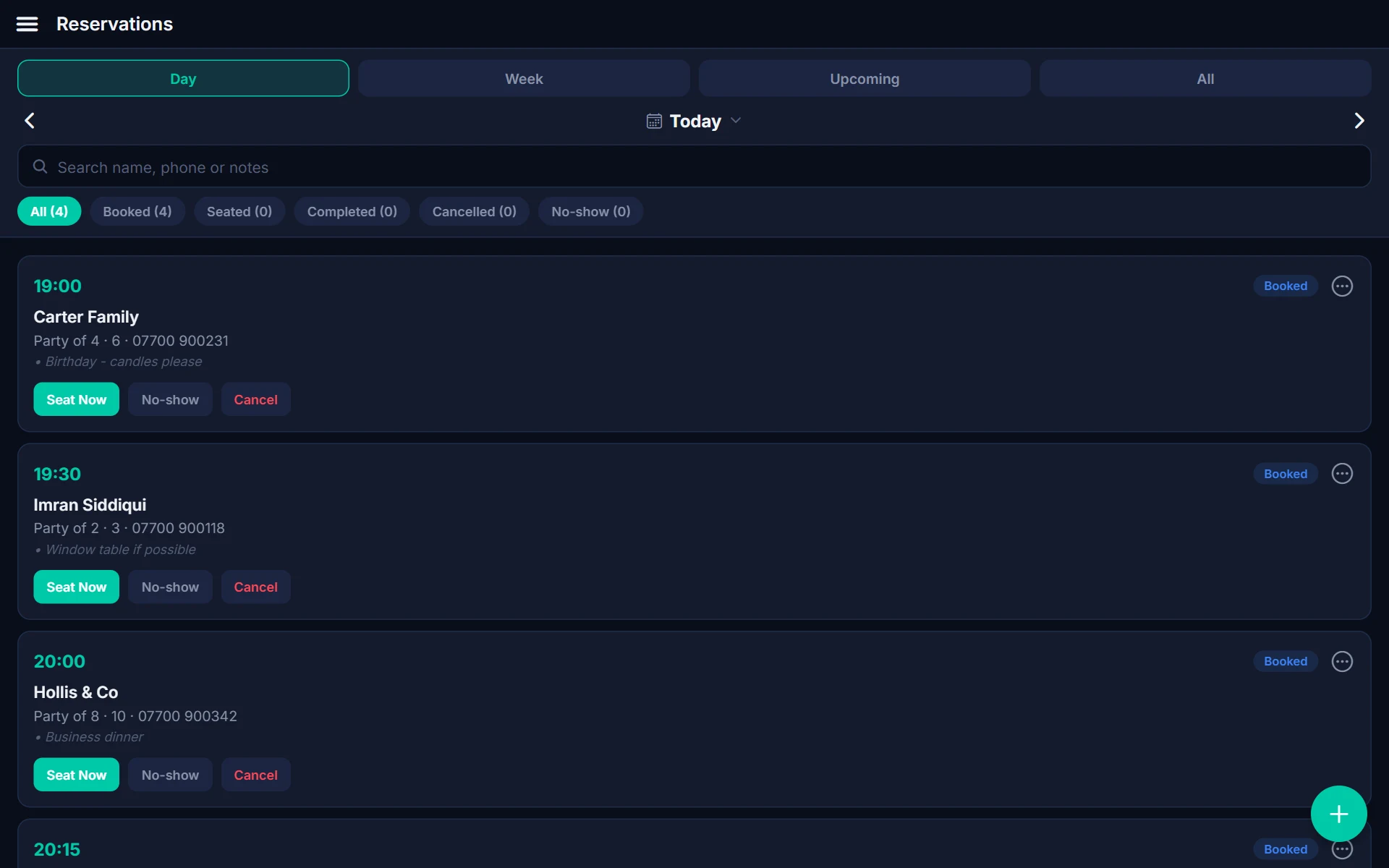
Reservations that live next to your floor plan
See today's bookings by time, seat a party with one tap and track who's booked, seated, completed or a no-show.
- Day, week and upcoming views
- Party size, phone number and notes
- Seat now, mark no-show or cancel
- Link reservations to tables on the floor plan
Appointments for people, rooms and equipment
Set up services with durations and prices, book them against staff or resources, and let customers choose a slot online.
- Services with duration, buffer and price
- Staff and resources as bookable items
- Online booking page
- Appointment reminders to cut no-shows
Everything to keep the diary full
Day, week and upcoming
View bookings the way you plan your day.
Online booking page
Share a link so customers can book without calling.
Reminders
Appointment reminders reduce no-shows.
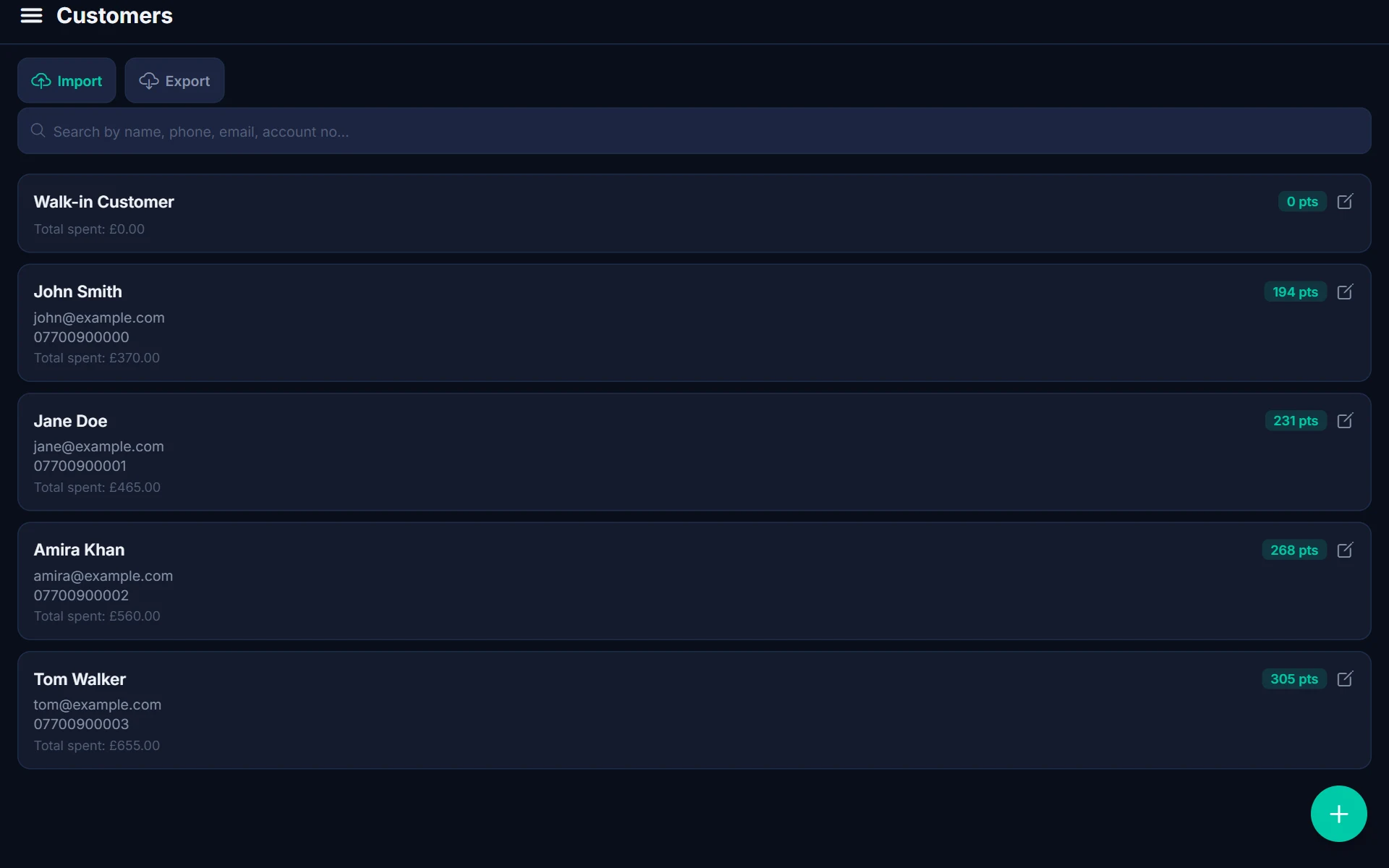
Customer records
Bookings link to customer records so you know their history.
Take payment at the till
Check the appointment out like any other sale.
Waitlist
Fill cancellations from a waitlist.
Reservations & Bookings questions
Yes. The online booking page lets customers pick a service and a time.
You can take payment when the customer arrives or check the booking out like a normal sale. Talk to us about your deposit process.
Yes. Reservations suit table service; appointments suit services booked against staff or resources.
Table reservations and appointments are on the Growth and Enterprise plans.
The rest of the POSHUT suite
POSHUT POS
The till: counter, table and queue service on Android and in any browser.
ExploreCustomer Display
A customer-facing screen for the order, total, adverts and receipts.
ExploreReports & Back Office
Live dashboard, sales reports, stock, staff and multi-store control.
Explore